
Video Tour
Step By Step Tour
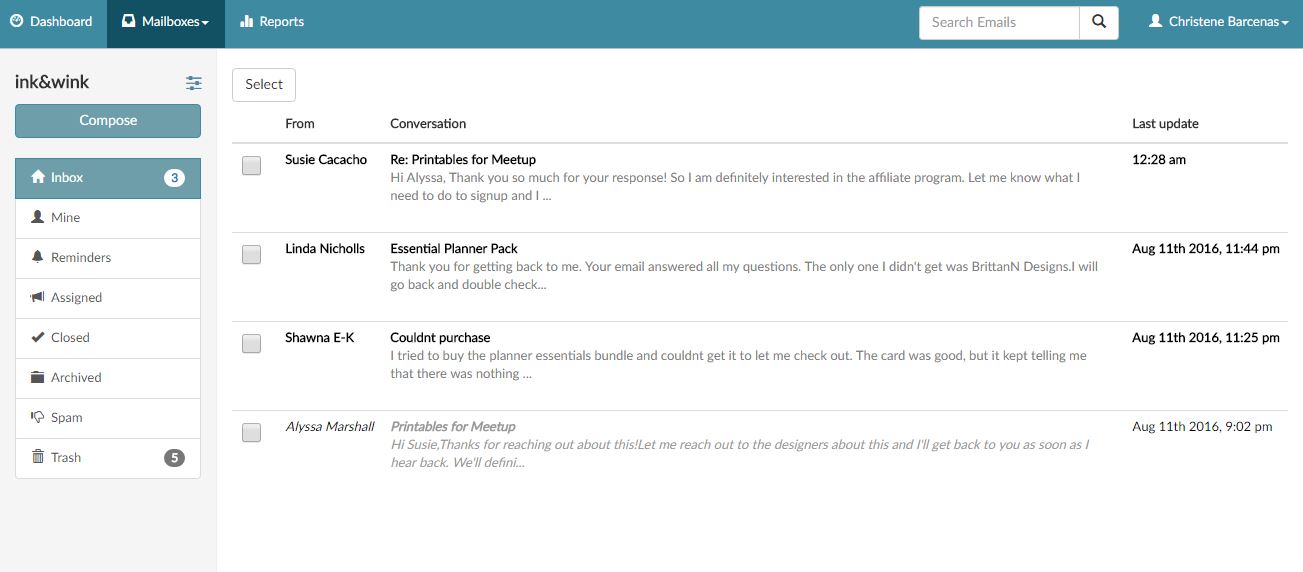
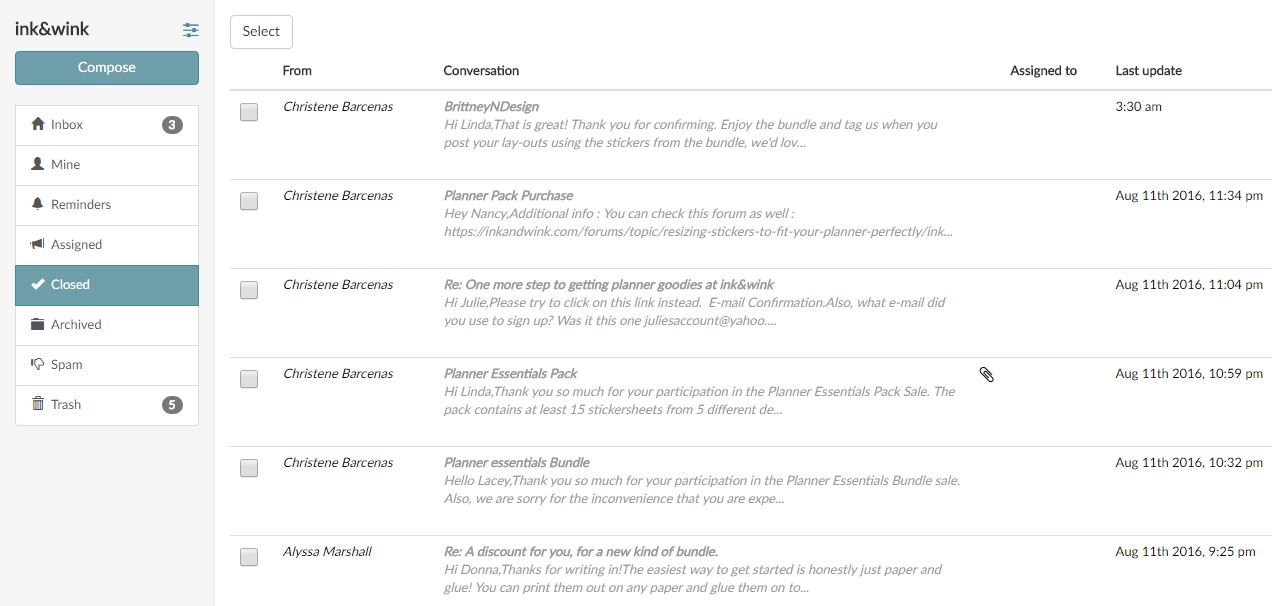
When you go to the IDC inbox, you’ll see many e-mails from our audience or clients.
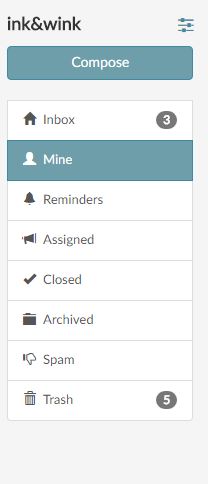
What is under “Mine”?
– These are e-mails that are assigned to you.
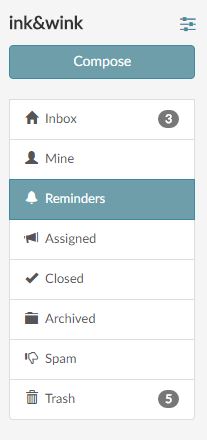
Reminders :
– This would contain all of the reminders that are set for you.
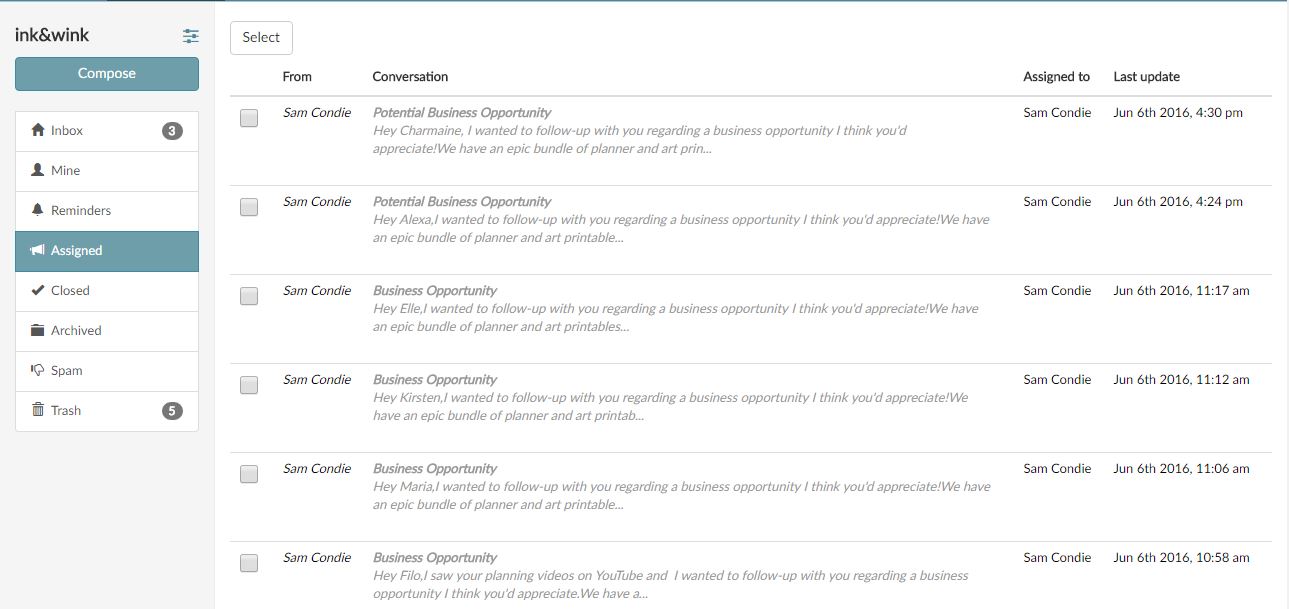
Assigned:
– You will see all the assigned e-mails from the IDC mailbox. Everyone who has access to the mailbox can see it.
Closed:
– Sent e-mails would automatically be put inside the Closed category. If you set a certain e-mail’s status as closed, it would also be pushed inside this category.
Important Notes:
When you send a reply to a specific e-mail and if you do not modify the “Assign to” button, the e-mail will be automatically assigned to you. So once the sender of the e-mail replies to the thread, you will get a notification and the e-mail will be inside the “Mine” folder.
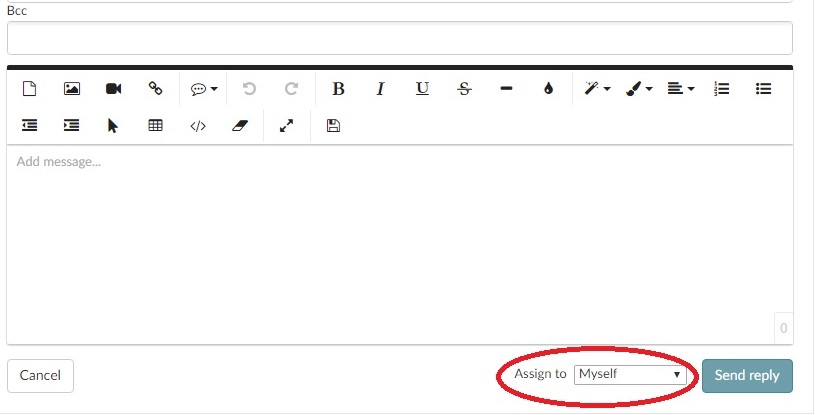
You can change that by clicking on the dropdown list.
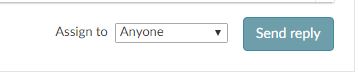
Important Note : If it is not necessary to assign the e-mail to yourself, just set it to “Assign to: Anyone”. This is applicable to most of the customer e-mails that we get.
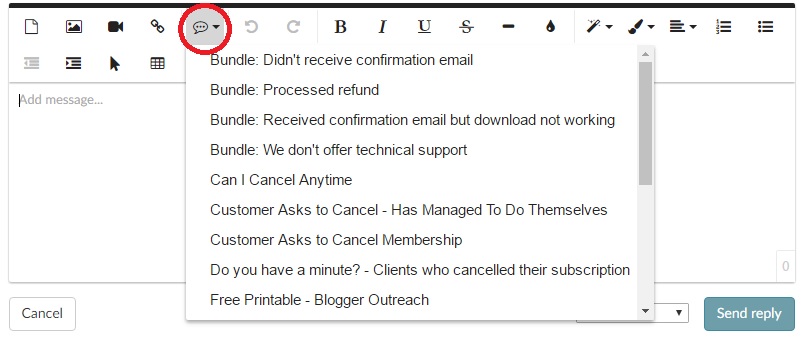
- We also have saved replies, just click this button :
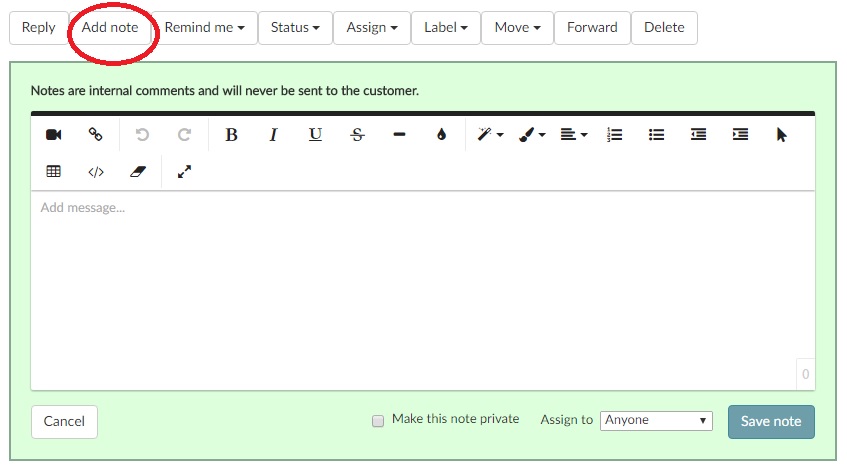
- We can also add notes and we can assign that to any team member.
Very Important Note :
If you are responding to any e-mail and it happens to CC: [email protected] , always delete it from the CC field because it would be forwarded back to our shared inbox and would create an infinite loop.