Here’s a (new) overview for how to use cyberduck to upload files to S3 for the website used for printables, downloadables, etc.:
Overview:
Choose Amazon S3
Server: s3.amazonaws.com
Access Key /User: AKIAINTQPKCCM2JJ77ZA
Password: y4KwMapW4iAe3DCLLIY8ij604/L99pK5d3CWaWu5
ERRORS AND SOLUTIONS
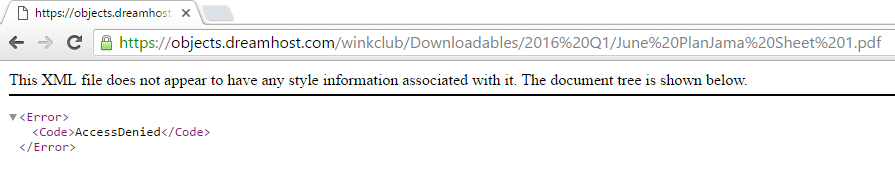
Scenario 1: Download Link is not working and it says Access Denied.
Solution: Connect to the ink&wink server via Cyberduck and change the permissions. Make sure that you grant ‘everyone’ the permission to read.
Misc
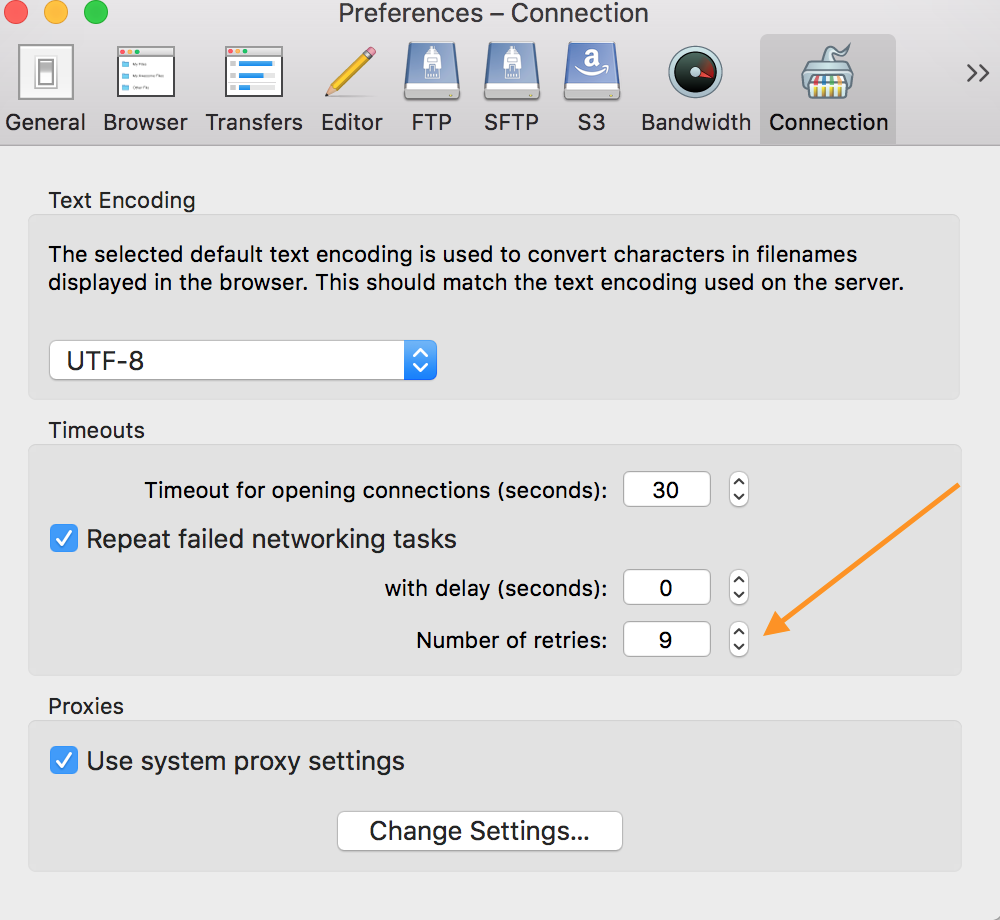
If you have a big file, you may need to set the retries to the max so that it continues trying to upload if your connection breaks: